Pick a page from the Library
Choose from ready-to-color animals, rockets, and more.
 DoodleBloom
With a grown-up’s help, kids describe what they imagine. DoodleBloom makes the outline for them to color.
See how a picture is made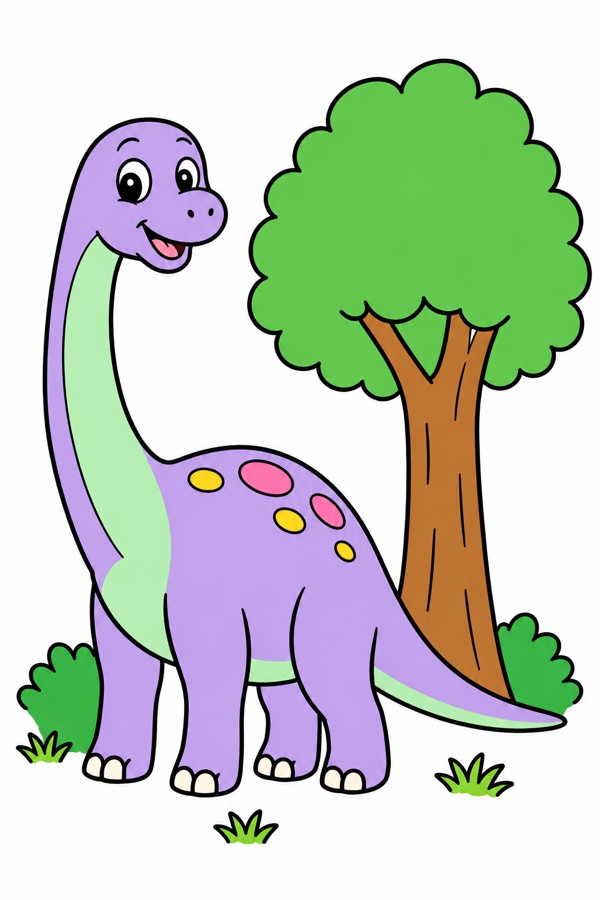
“A friendly dinosaur next to a big tree”
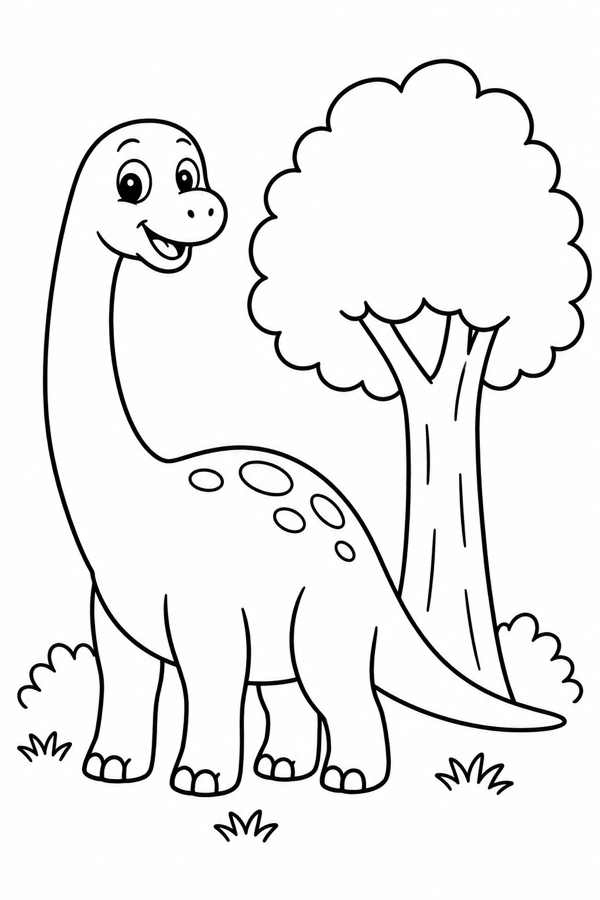
Choose from ready-to-color animals, rockets, and more.
Use a wide brush for big areas and a fine tip for little details.
Magic helps keep strokes inside the area where they start. Fill colors an area with one tap. Free lets kids color across the lines.
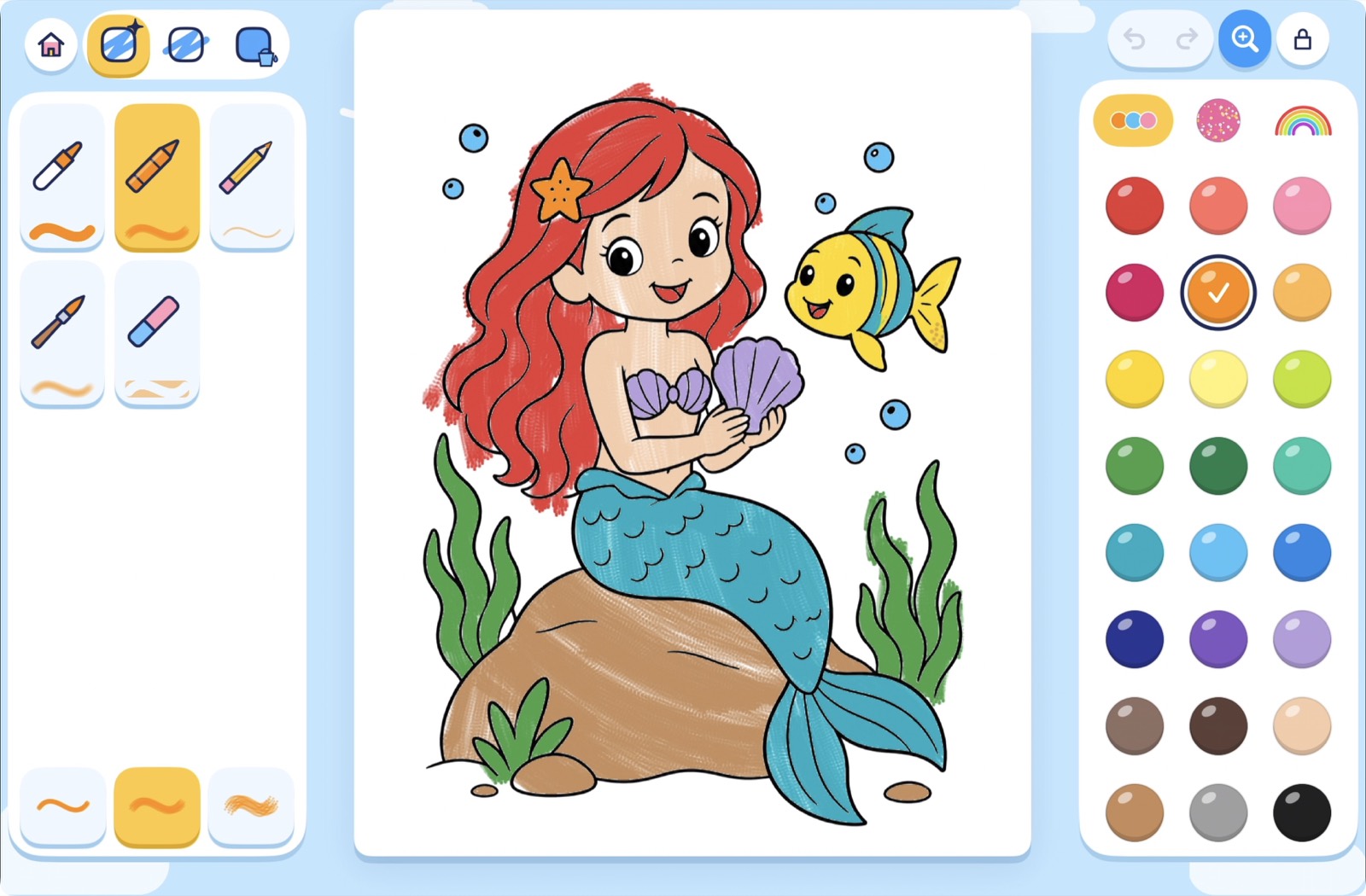
No scores to chase. No perfect way to color. Just space to explore, try again, and proudly say, “I made that.”
Read our approach to privacy ↗Kids can color included pages offline and come back to saved drawings. Creating a custom page needs an internet connection and a grown-up.
A parent check protects picture creation, purchases, sharing, and settings. New picture ideas receive safety checks.
With a grown-up, print an outline to color on paper or share a finished picture.
DoodleBloom for iPhone and iPad.
Ask about availability